
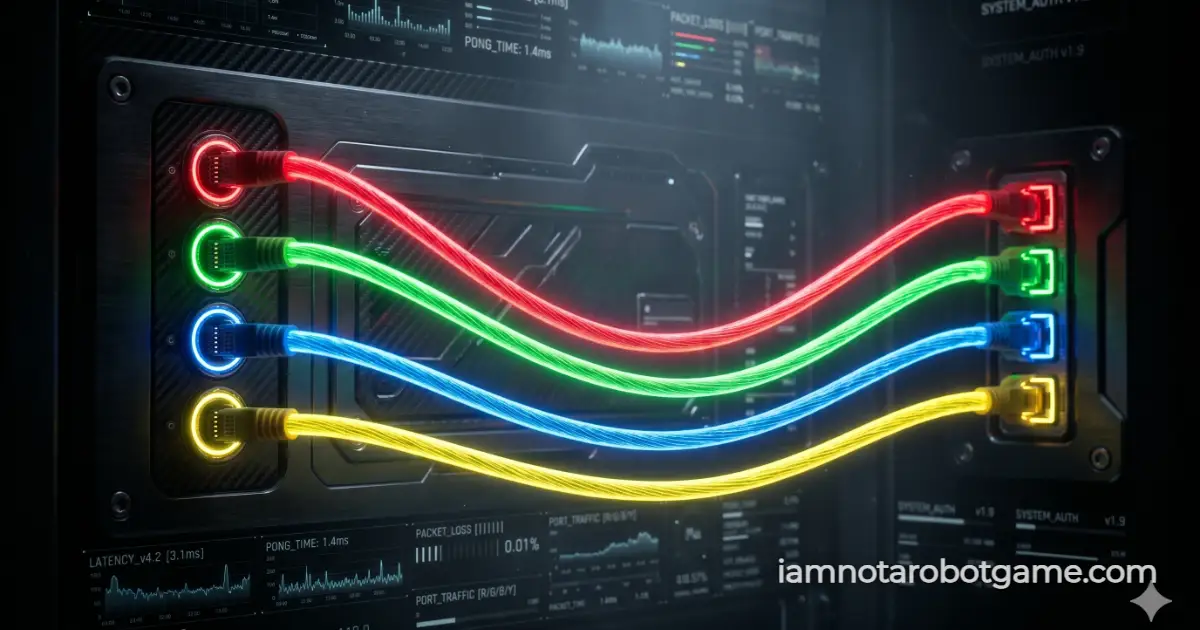
 Fig 1: The dynamic vector cable patching matrix evaluating continuous pointer velocity.
Understanding Continuous Vector Tracking
Welcome to Level 27: Networking. The security matrix is moving away from the physics of Level 26: Parallel Parking and testing your continuous path-tracking stability. "Networking" requires you to act as a system administrator, patching a scrambled server rack.
Step-by-Step Patching Strategy
You must connect the nodes using continuous dragging motions. Both the left and right port columns randomize on every page load to prevent coordinate caching. Follow this protocol:
- Identify Target Colors: Note the color of a port on the left column.
- Initiate Drag Action: Click and hold (or tap and hold) the port to spawn a glowing virtual ethernet cable.
- Route the Path: Drag the cable across the dark server arena. An SVG Bézier curve will render in real time.
- Secure the Connection: Release your pointer over the socket on the right that matches the color perfectly. Repeat for all 4 pairs to unlock Level 28: Day Trader.
Why Vector Drag Operations Defeat Automated Scrapers
Standard web scrapers and automation tools (like Puppeteer or Selenium) can execute instant click() events on DOM elements. This level actively monitors continuous drag events and calculates the time elapsed (Delta T) between the moment you grab the cable and the moment you release it.
If a script attempts to instantly "teleport" the cable from the left socket to the right socket in under 120 milliseconds, the engine triggers an instant "TELEPORTATION DETECTED" failure state. This guarantees that an organic human is physically tracing the path across the screen.
Bezier Curves and ElementFromPoint Kinematics
Under the hood, the simulation maps SVG Bézier curves using dynamic sag equations while utilizing document.elementFromPoint() mapping to ensure that mobile touch sensors and mouse pointers calculate socket collision perfectly without pointer-capture flaws.
Master this sustained motor control before advancing to the high-stakes financial simulations of Level 28: Day Trader.
Frequently Asked Questions
How do I beat the Networking level?
You must physically drag the glowing cables from the left ports to the matching colored ports on the right side. Connect all 4 to proceed.
Why did my cable snap back and fail me?
If you connect a cable to the wrong color, or if you release your mouse too quickly (simulating a bot teleporting the cursor), the system will reject the connection and reset the board.
Can an AI bot solve this?
Standard bots fail because they attempt linear X/Y DOM injections. This level calculates pointer vector velocity over time, requiring a smooth, continuous organic drag motion to draw the SVG Bézier curve.
Are the colors always in the same order?
No. Both the left and right port columns are completely randomized upon every page load, preventing scripts from memorizing static coordinate paths.