
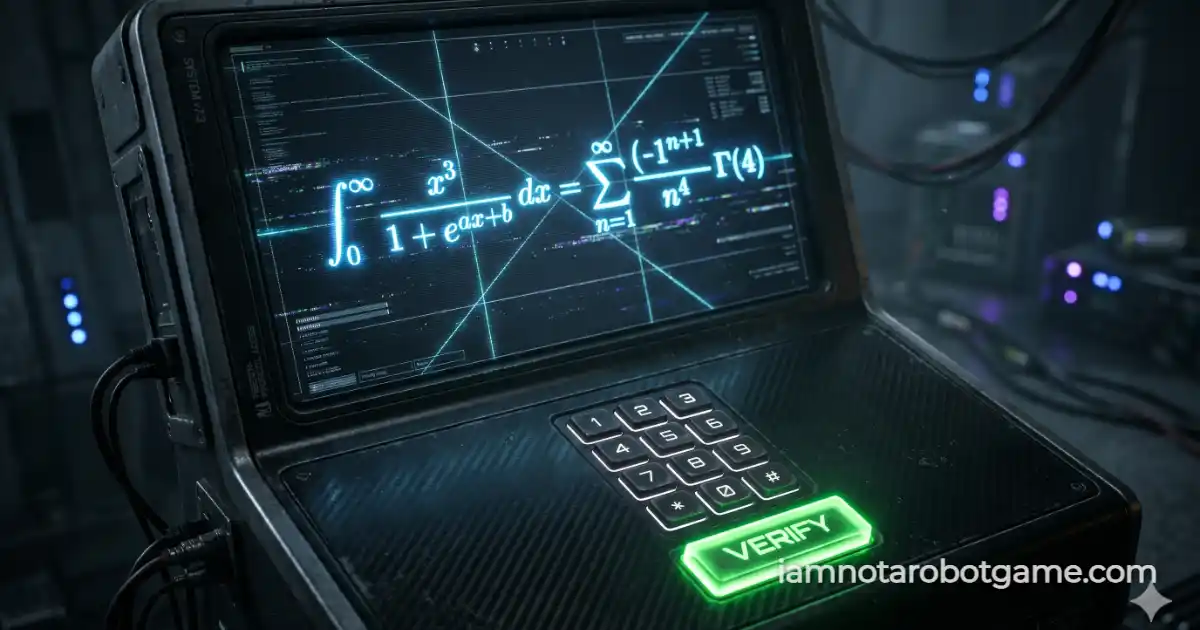
 Fig 1: The OCR-resistant holographic mathematical matrix evaluating computation.
Understanding Holographic Equation Verification
Welcome to Level 34: Mathematics. The system is shifting from brand recognition (Level 33: Brands) into absolute computational logic. While computers are notoriously fast at math, this Turing test is designed to prevent the machine from actually "seeing" the equation it needs to solve.
Step-by-Step Computational Strategy
The game requires you to parse a distorted visual and apply human logic. Follow this protocol to compute the correct answer cleanly:
- Filter the Visual Noise: The equation is drawn using an HTML5 Canvas loop. Ignore the background grid and random intersecting laser lines. Focus on the core typography.
- Identify the Operators: Look carefully for addition (+), subtraction (-), and multiplication (×) symbols.
- Apply BODMAS/PEMDAS: If the equation is
5 + 3 × 4, you must perform3 × 4 = 12first, then add5to get17. A simple left-to-right reading bot would incorrectly guess 32. - Use the Digital Numpad: Enter your answer into the terminal. If the answer is negative, use the
±key, then press "VERIFY" to unlock Level 35: Shuffle.
Why OCR Deterrence Defeats Automated Vision Scrapers
Why use a custom canvas renderer instead of standard HTML text? Basic automation scripts can instantly scrape text from the DOM. To defeat this, Level 34 draws the equation pixel-by-pixel into a <canvas> element using randomized Bezier curves, shifting gradients, and real-time trigonometric oscillation.
Bezier Curves and Trigonometric Oscillation
This aggressive styling destroys the bounding boxes that standard Optical Character Recognition (OCR) libraries rely on to parse text from images. Furthermore, the inclusion of an interactive on-screen numpad prevents basic scripts from simply injecting a value into a standard HTML <input> tag. You must physically simulate clicks on dynamic coordinate nodes.
Prepare your reflexes, because Level 35: Shuffle is up next.
Frequently Asked Questions
How do I beat the Mathematics level?
You must visually parse the distorted equation rendered on the canvas, solve it mentally, and input the correct numerical answer using the on-screen keypad.
Why are the numbers so hard to read?
The numbers are drawn procedurally with intersecting vector noise and dynamic swaying. This prevents automated Optical Character Recognition (OCR) bots from simply scanning the screen and solving it.
Can I use my physical keyboard?
Yes, while the on-screen numpad is provided to deter DOM-injection scripts, physical keyboard inputs (number keys, Backspace, and Enter) are natively supported for human accessibility.
What happens if I calculate incorrectly?
The input display will shake red, an error tone will sound, and the system will instantly generate a completely new, randomized equation to prevent brute-force guessing algorithms.