
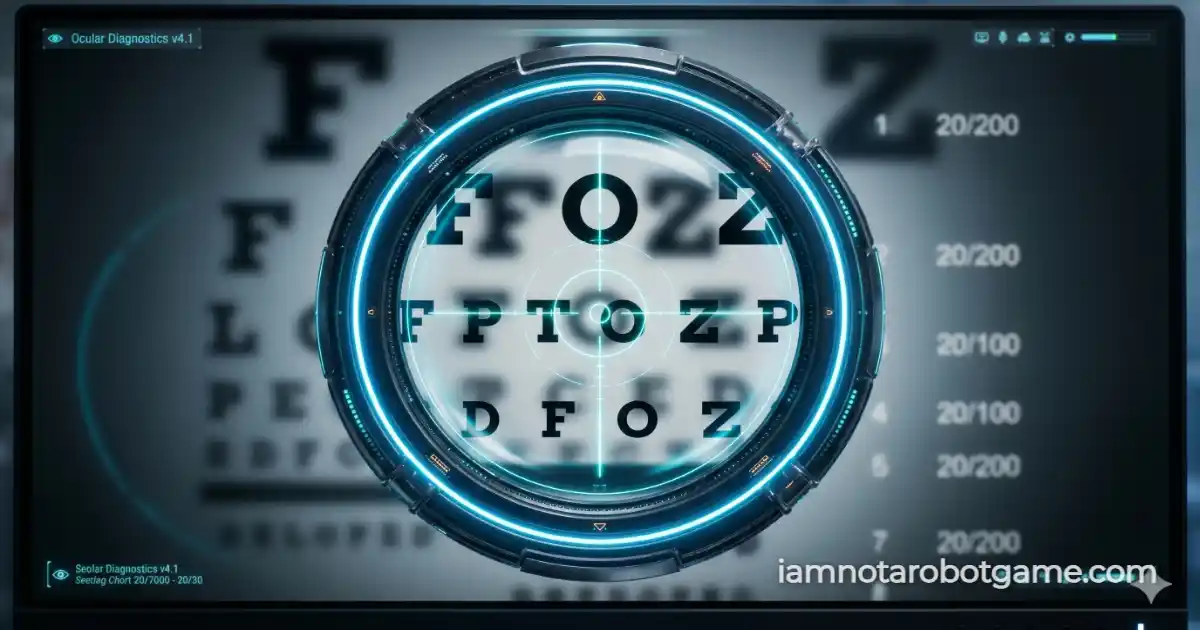
 Fig 1: The dynamic canvas occlusion phoropter matrix evaluating optical acuity.
Understanding Optical Acuity Verification
Welcome to Level 24: Eye Exam. You successfully navigated the 3D parallax environment of Level 23: Panorama, but the security matrix is returning to optical warfare. "Eye Exam" evaluates your visual acuity using a simulated clinical Snellen chart combined with an interactive digital phoropter lens.
Step-by-Step Optical Verification Strategy
The objective is standard: read the bottom line. The execution requires deliberate cursor sweeping. Follow this protocol to transcribe the sequence cleanly:
- Engage the Corrective Lens: Move your pointer over the canvas container to activate the 60fps phoropter lens mask.
- Scan the Snellen Rows: Sweep the lens down from the top header rows to the smallest, 6th line at the bottom of the chart.
- Transcribe the Sequence: Read the 6 Sloan letters revealed inside the lens. Type the exact sequence into the input field below. Case does not matter.
- Execute Verification: Click "VERIFY" or press Enter to submit your transcription and unlock Level 25: Creativity.
Why Canvas Occlusion Defeats Automated OCR
Why does a virtual magnifying glass completely destroy automated OCR (Optical Character Recognition) scripts? Typical OCR bots take a static screenshot of a webpage and parse the pixels for text. In Level 24, the base image is subjected to heavy Gaussian blur, rendering it unreadable to machines.
Off-Screen Buffers and Clipping Masks
The clear text is never placed into the HTML DOM. It is generated natively inside an HTML5 <canvas> element using an off-screen buffering technique. The clear image is *only* painted inside a small circular clipping path (ctx.clip()) tethered to your cursor's momentum. For a bot to read the bottom line, it would have to programmatically sweep the mouse, record video frames, and stitch the unblurred segments together—a computational nightmare.
Master this technique, because audio analysis awaits you in Level 25: Creativity.
Frequently Asked Questions
How do I beat the Eye Exam level?
Use your mouse as a magnifying glass to clear the blur on the bottom row of the eye chart. Type the 6 letters you see into the box and hit verify.
Why can't I just copy and paste the text?
The text does not exist in the HTML DOM. It is procedurally generated and drawn directly into an HTML5 Canvas, making it impossible to highlight or scrape.
Why is this effective against bots?
OCR bots process static images. Because the chart is heavily blurred, and the clear image only exists inside a moving lens, a bot cannot take a single screenshot to read the text.
What happens if I type the wrong letters?
The input field will shake red, and the canvas will instantly regenerate a brand new chart, forcing you to scan and read a new sequence.