
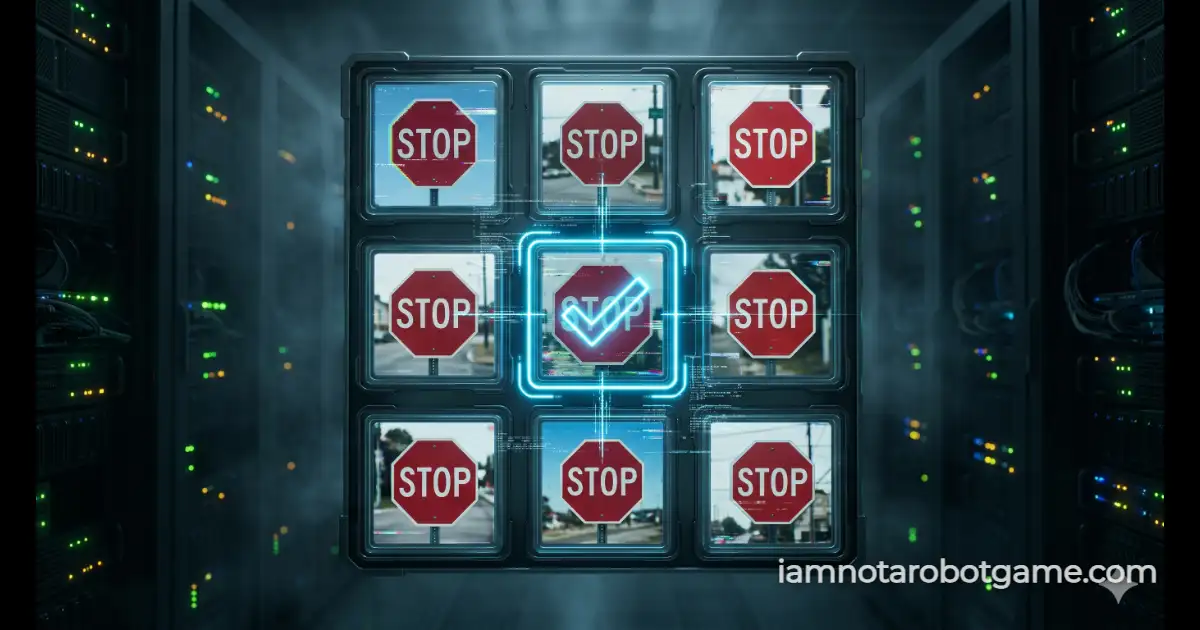
 Fig 1: The standard 3x3 image recognition matrix interface.
Understanding the 3x3 Visual Matrix
Following the baseline interaction in Level 1: The Checkbox, Level 2: Stop Signs plunges players into the most universally recognized digital Turing test: the 3x3 segmented image grid. Originally popularized by street-level security protocols to train machine learning vision models, this verification system evaluates human rapid-feature extraction. Rather than relying on simple binary cursor clicks, the system now challenges your visual cortex to isolate target symbols amidst contextual visual noise, road clutter, and varying background colors.
Step-by-Step Image Matrix Strategy
The interface constructs a nine-quadrant grid containing four target stop signs and five distractor objects (such as vehicles, trees, and street fixtures). Because each selection dynamically updates your input array, accuracy takes precedence over pure speed. Execute the following protocol to clear the stage cleanly:
- Scan the Entire Matrix: Before clicking any tile, visually parse the full 3x3 layout. Stop signs in this level are rendered with bright red octagonal silhouettes on varying background hues.
- Select Every Target Node: Click each individual square containing a stop sign. A distinct blue highlight border and checkmark badge will confirm that the item has been added to your submission payload.
- Ignore Visual Distractors: Do not click adjacent objects such as traffic lights, cars, or trees. In this security model, selecting a single false-positive invalidates the entire verification attempt.
- Execute Verification: Once all four matching stop signs are highlighted, click the blue "VERIFY" button. The engine evaluates your selection array against the master key in real time.
Why Visual Grid Challenges Defeat Automated Scrapers
To a human observer, distinguishing an octagonal red sign from a sedan or evergreen tree takes mere milliseconds. To a programmatic bot or headless browser scraper, however, an unlabelled visual grid presents a complex computer vision obstacle.
Early web bots bypassed security checks by reading Document Object Model (DOM) metadata, such as image filenames, alt text, or predictable coordinate paths. Level 2 completely nullifies static coordinate scraping by executing a randomized Fisher-Yates shuffle on every single page load and grid reset. When the grid initializes, tile order and background color values are rearranged dynamically in client-side memory. A script cannot rely on cached coordinates or sequential button clicks. Without deploying an active convolutional neural network (CNN) to perform real-time optical segmentation across the randomized canvas elements, automated scripts inevitably fail the strict subset match.
The Role of Edge Cases and Distractor Tiles
Standard automated filters often struggle with edge-case overlap—such as confusing a green traffic signal with a red stop sign due to color thresholding, or mistaking vehicle tail lights for street markers. Human vision naturally excels at semantic context, easily separating symbolic road signage from surrounding urban imagery. This level tests that exact cognitive boundary, preparing your perception for the intense optical distortion challenges waiting in Level 3: Wiggles.
Frequently Asked Questions
How do I beat Level 2 Stop Signs?
Inspect the 3x3 grid and click every square that displays a red stop sign. Once all four stop sign tiles show a blue border and checkmark, click the "VERIFY" button at the bottom of the widget.
Why does the grid scramble when I make a mistake?
If you select a wrong tile or miss a target, the engine registers a verification failure. It immediately triggers an alert animation and shuffles the grid positions to prevent brute-force guessing attacks.
Why are stop signs used so frequently in bot verification tests?
Stop signs feature high-contrast colors, standardized octagonal geometry, and clear lettering, making them an ideal visual benchmark for distinguishing biological vision from automated optical scripts.
Does the verification timer affect my score?
The timer tracks your total parsing duration from the moment the grid loads until verification succeeds. Completing the grid with fewer resets yields a faster recorded time on your victory screen.